Integrate with Joomla!
With the Joomla extension you can easily connect your Easy!Appointments installation with Joomla and display your booking page directly within your Joomla articles and pages.

Your Joomla! site, booking its own appointments
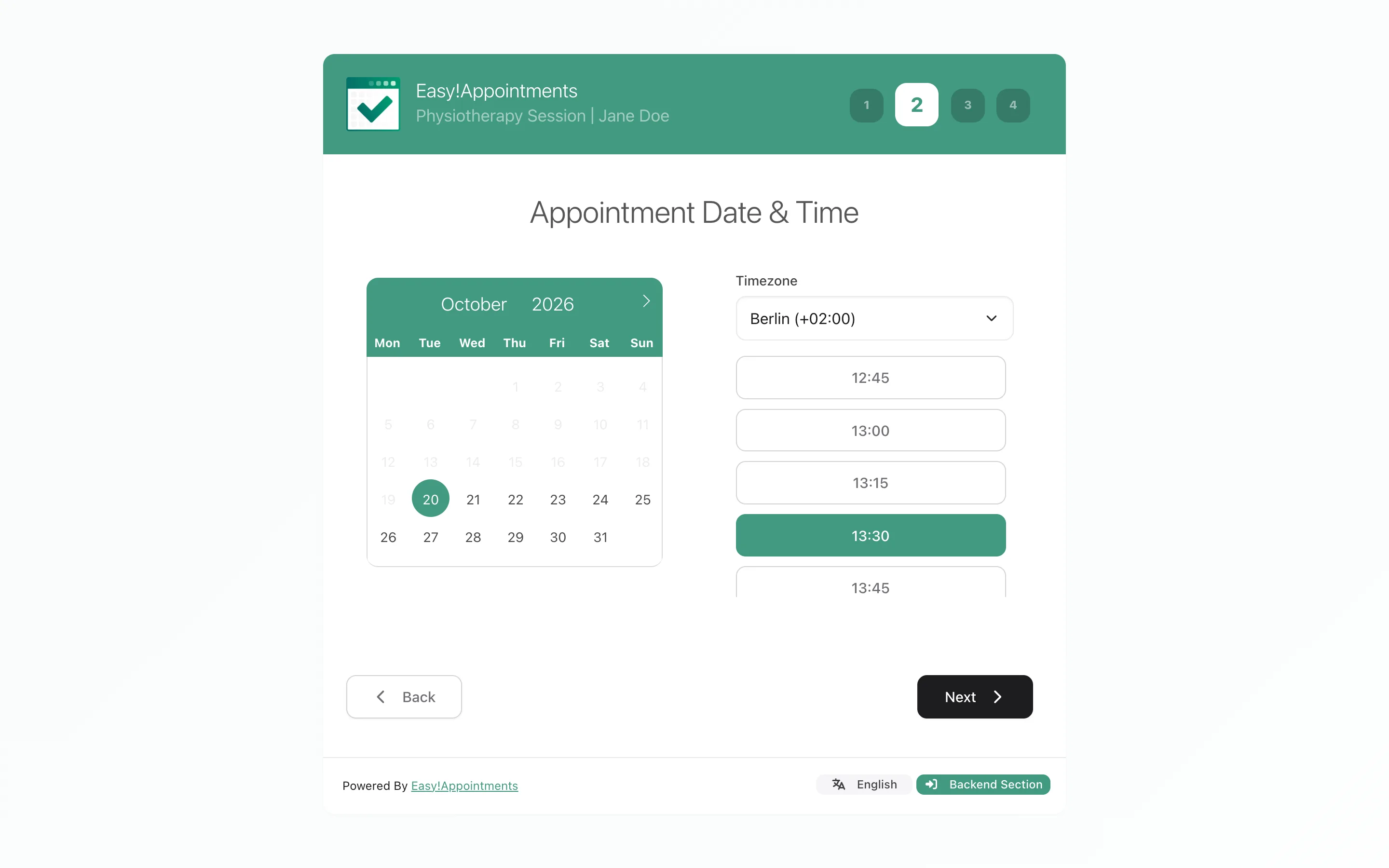
Visitors choose a service, a provider and a time without leaving your pages, and the confirmation email reaches both the customer and the provider on its own. No message thread to agree a time in, and no second place to keep your calendar.
How the extension works
- A bridge, not a second scheduler
- The extension connects to an Easy!Appointments installation you already run by taking its URL. Your services, providers and appointments stay in one place; Joomla only displays the booking page.
- It is a Joomla module
- The extension ships as mod_easyappointments and behaves like any other module: you configure an instance, assign it to a template position and publish it. That is how the booking page reaches your pages.
- Loaded in an embedded iframe
- The module securely loads your booking page inside your Joomla site using an embedded iframe, so visitors never leave the site to schedule an appointment.
- Responsive inside, fixed height outside
- The booking page itself adapts to desktop, tablet and mobile. The frame around it is 100% wide and a fixed 600px tall by default - set Iframe Height in the module if the wizard needs more room.
Setting up the Joomla! extension
A few steps, all in Joomla!'s own admin area. The heavier requirements belong to Easy!Appointments itself - get that running first and the Joomla! side is a short job.
What you need in place
No installation yet? Easy!Appointments installs like any other PHP application. Read the installation guide.
- Joomla
- Joomla 4 or newer. The current release is listed for Joomla 4, 5 and 6, and the 2026 update added full Joomla 6.0 compatibility.
- PHP (Joomla site)
- PHP 7 or newer on the Joomla site, per the extension's stated minimum. The Easy!Appointments server itself needs PHP 8.2 or newer.
- Easy!Appointments
- A working installation, reachable in a browser. The add-on connects to one; it does not contain one.
- Easy!Appointments server
- Apache or Nginx, PHP 8.2 or newer and a MySQL database, with a writable "storage" directory.
- Same domain?
- Not required. With Easy!Appointments 1.6.1 or newer it can run on any domain or host.
Version numbers move with every release. Treat the Joomla Extension Directory listing as the authority for the current version and the Joomla releases it is tested against.
Installing the extension
-
Get the extension package
Download the extension archive from this page, or open the Joomla Extension Directory listing and take it from there.
-
Upload it in Joomla
In the Joomla admin, go to the Extensions menu, choose Install, and upload the package file - the same route you use for any other extension.
-
Connect your installation
Go to Content > Site Modules, click New and choose Easy!Appointments. Enter the URL of your Easy!Appointments installation.
-
Publish it where it belongs
Assign the module to a template position and publish it, then use Joomla's menu assignment to decide which pages show the booking page.
-
Test the booking flow
Before going live, book a test appointment end to end and confirm it appears in your Easy!Appointments calendar.
Publish the booking page as a module
Joomla puts content on a page through modules assigned to template positions, and that is exactly what this extension is - mod_easyappointments. There is no tag to paste into an article body: you publish a module instance and choose where it appears.
- Go to Content > Site Modules > New > Easy!Appointments and set the URL of your Easy!Appointments installation.
- On the Advanced tab, optionally set Iframe Width, Iframe Height, Provider ID, Service ID, Iframe Style, Iframe Title and Show Open Link (a direct link to the booking page below the frame).
- Assign the module to one of the positions your template offers, the same way you would place any other module.
- Use the module's menu assignment to limit it to the pages that should take bookings, or publish it everywhere.
- Publish the module. The booking page then loads inside your template, wrapped in your own navigation.
The positions available to you depend on your template. The Joomla Extension Directory listing is the reference for the current release. Joomla Extension Directory
Questions people ask first
If something does not line up
Most integration trouble is really Easy!Appointments configuration - a base URL, a working plan, a server setting. These are the places to look.
Documentation & FAQ
Installation, configuration and the settings reference, plus the known snags: a wizard showing no hours, a subdomain install, a timezone warning.
Browse the docs Read the FAQSupport
Ask the community, report a bug, or buy a session if you would rather someone else did the setup.
Support overview Ask on Discord Report an issue Book technical supportJoomla! write-ups
Release notes and walkthroughs for this extension, in the order you probably want them.
New extension release supports Joomla 6.0 Now on the Joomla Extension Directory New Joomla extension available

Need it to work differently?
Add a feature Easy!Appointments does not have, or change how an existing one works, to fit the way you schedule.